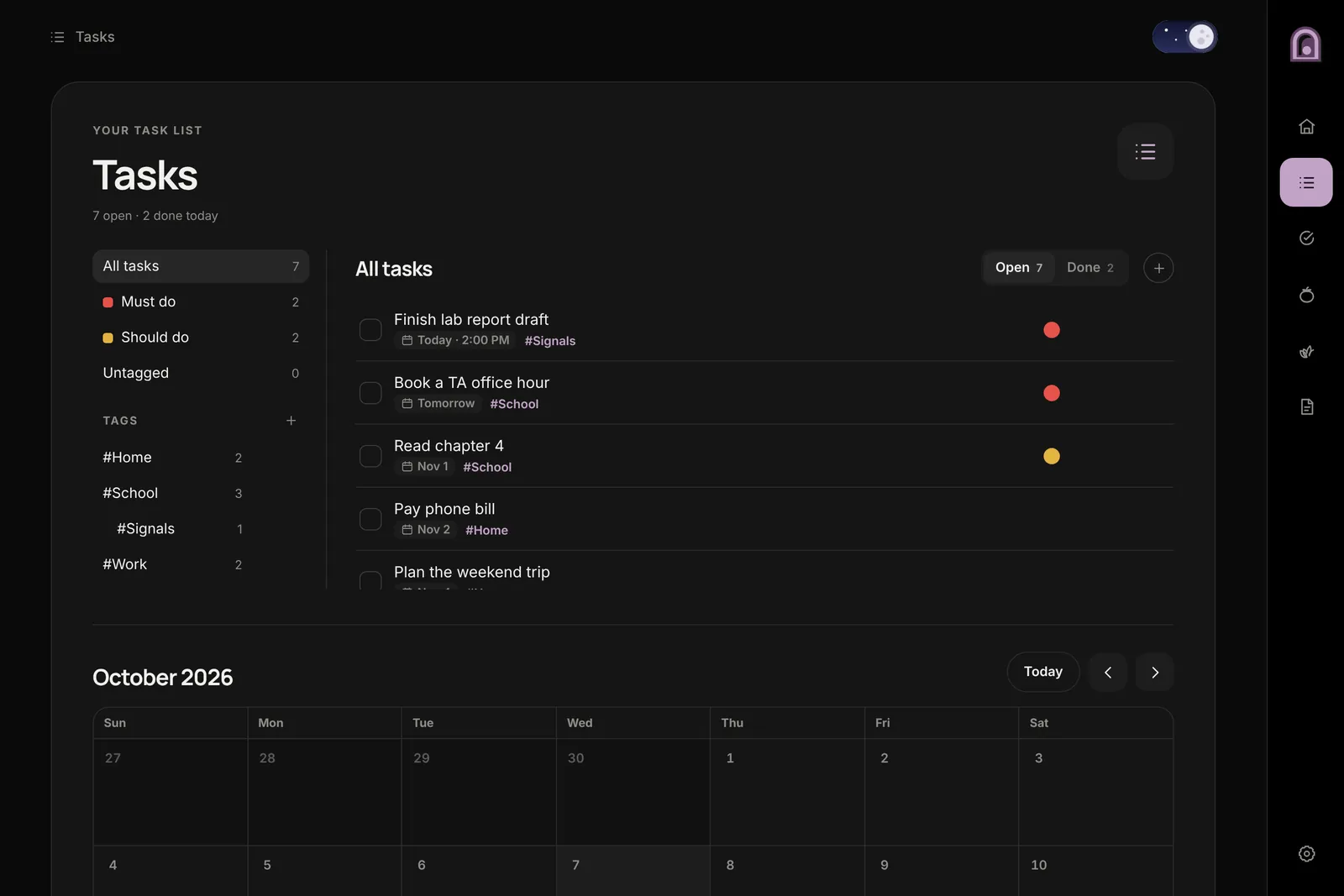
Tasks
Pull today's tasks into two lanes, Must do and Should do. Give one a deadline with a time, make it repeat, tag it, or jot notes on it.
Alcove puts your tasks, habits, notes and a focus timer where your new tab used to be. It's free, and nothing you add ever leaves your computer.
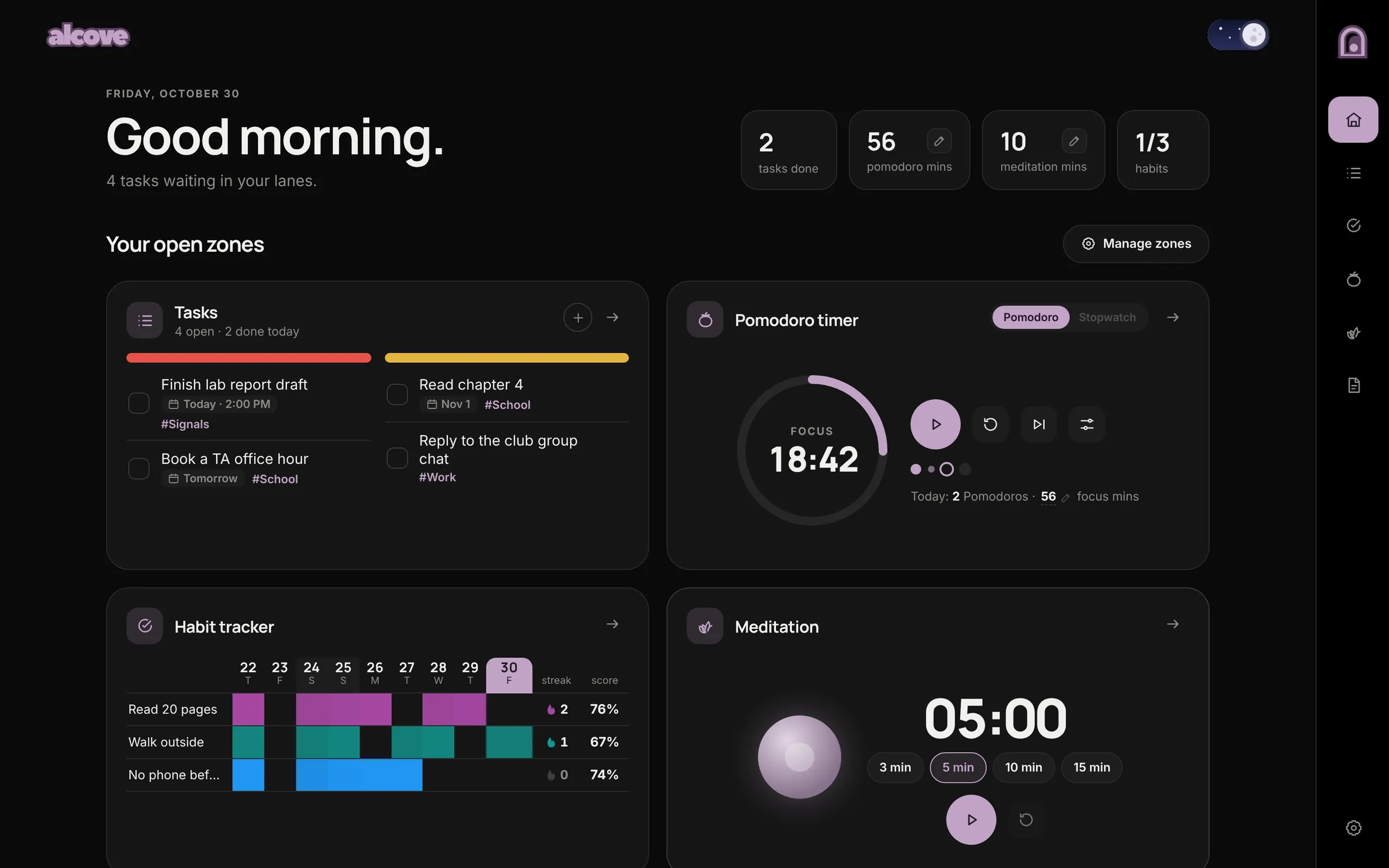
Each one is a zone on your new tab. Keep the ones you use and close the rest.
Pull today's tasks into two lanes, Must do and Should do. Give one a deadline with a time, make it repeat, tag it, or jot notes on it.
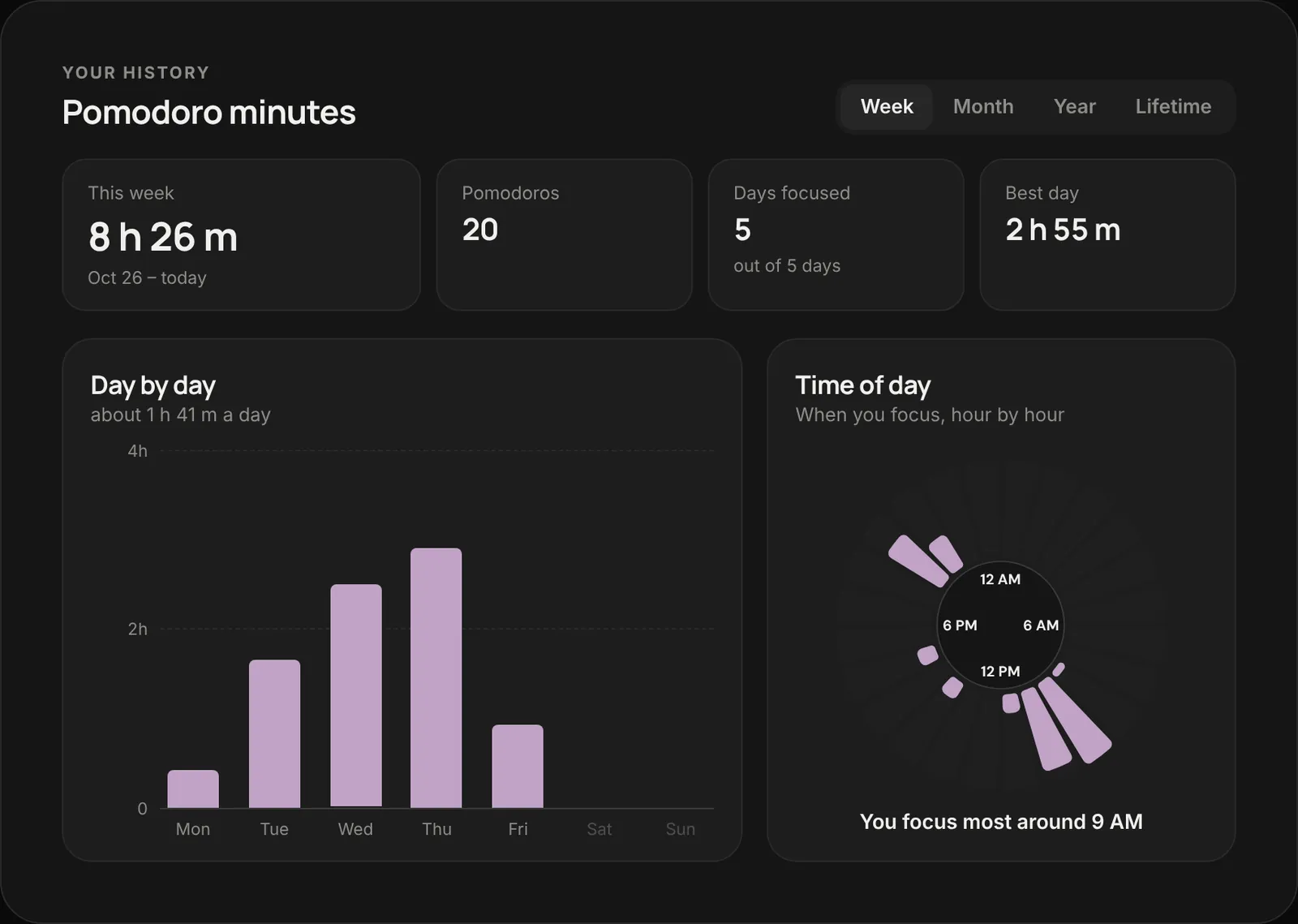
Run Pomodoros with the breaks built in, or a stopwatch when you'd rather count up. Your hours add up on a chart, so you can see the weeks you actually showed up.
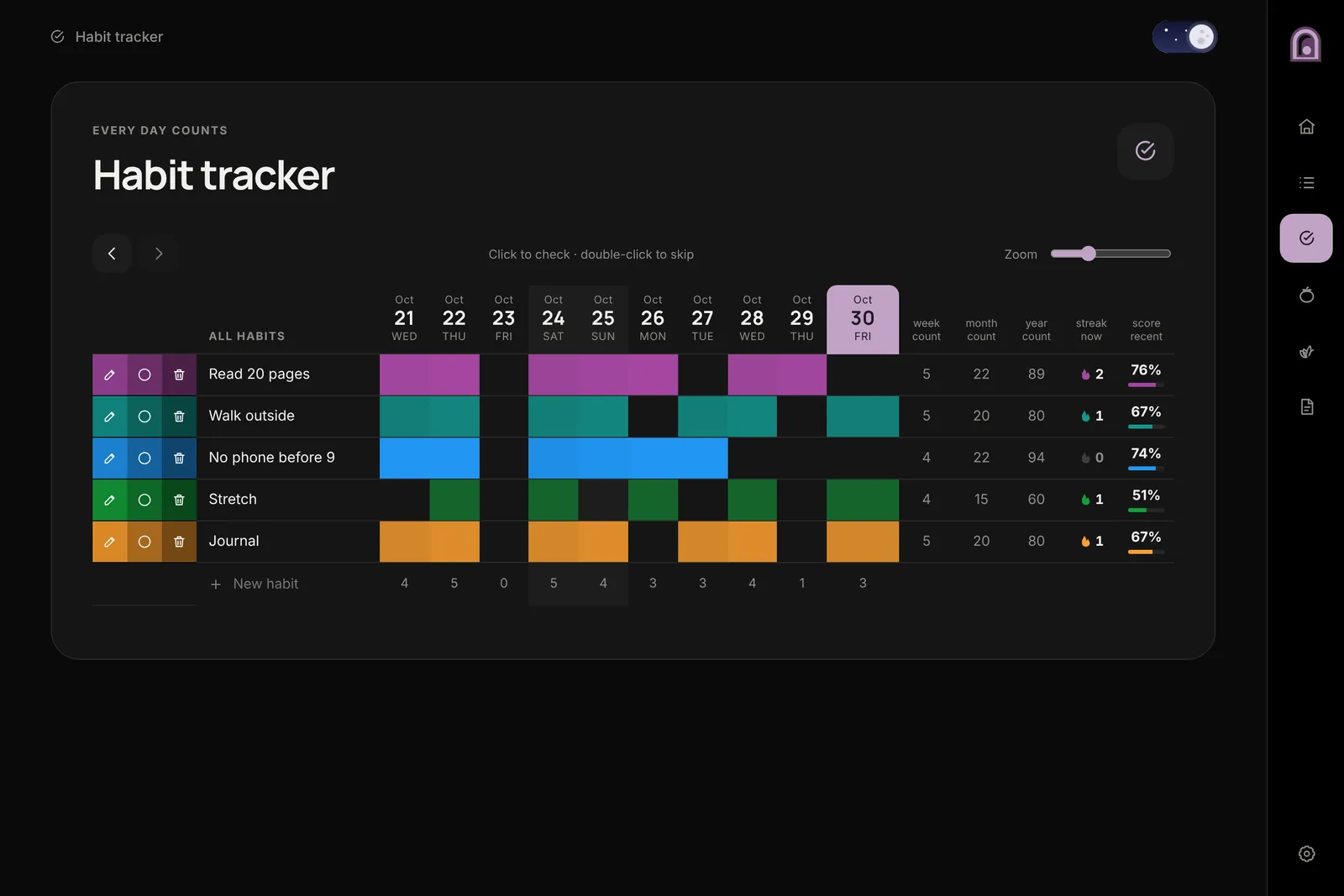
Tick off each day and keep the streak going. When life gets in the way you can skip a day, up to two in a row, and the streak survives.
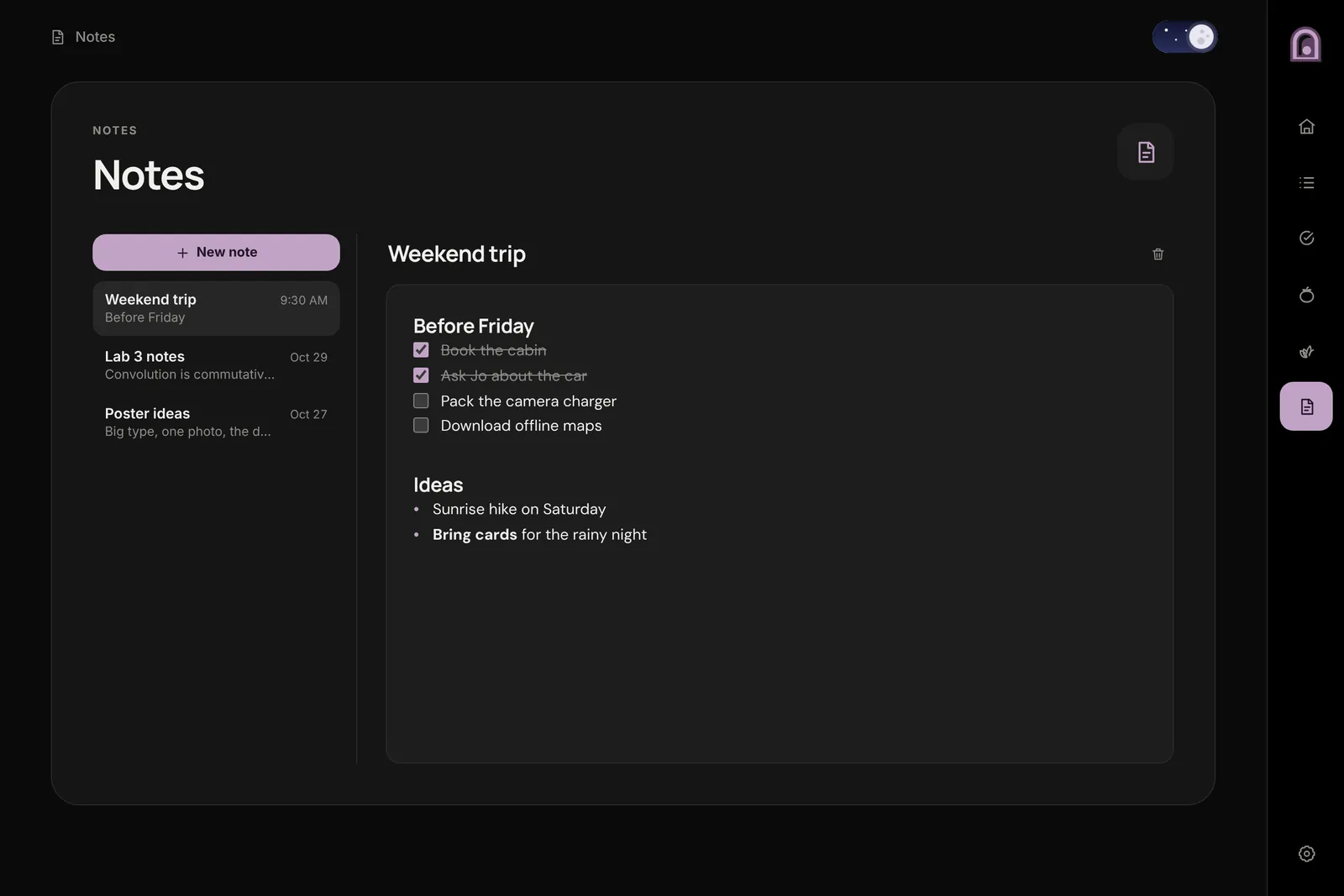
Notes that save as you type. Headings and checklists work the way you'd write them on paper.
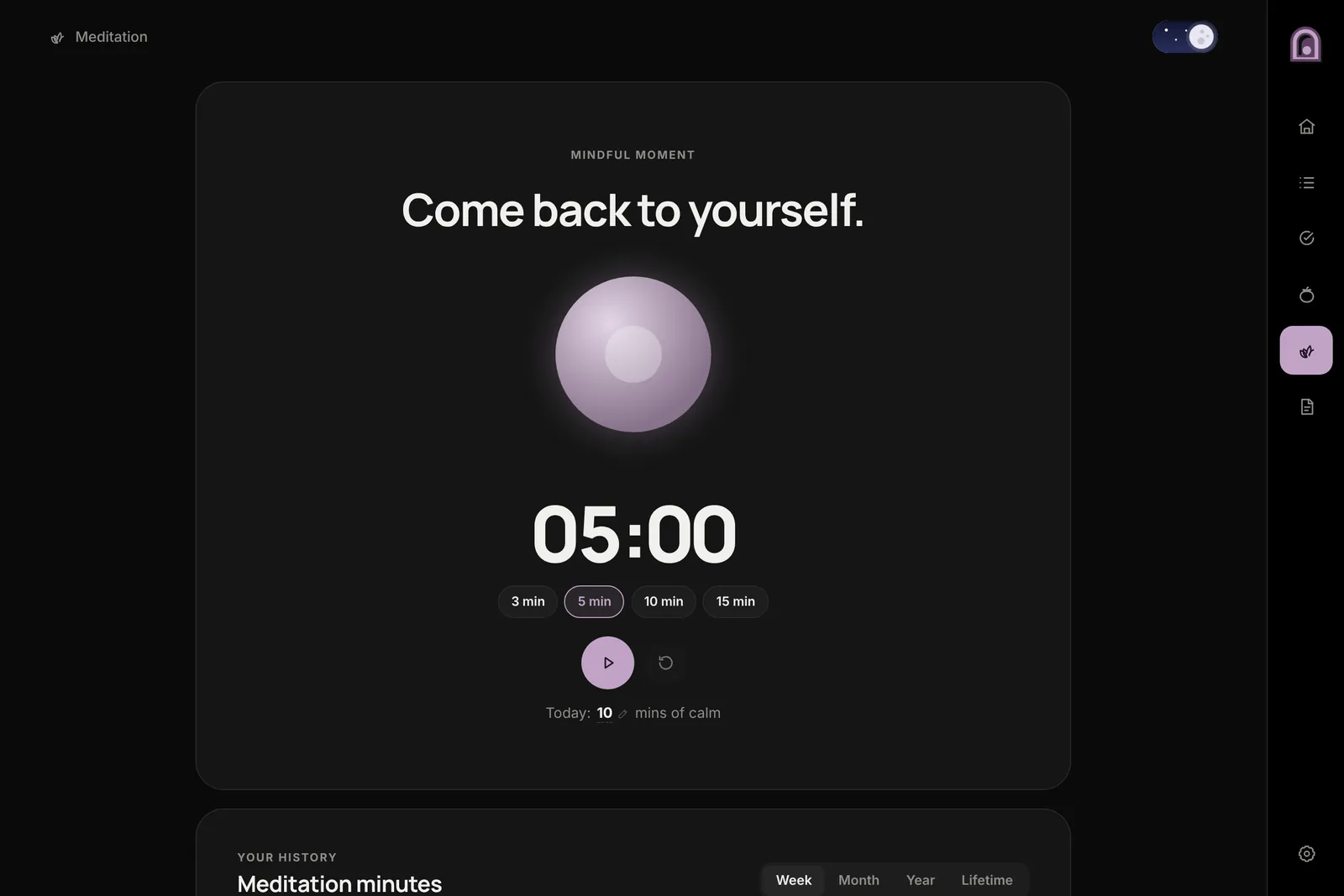
A slow breathing timer for when your head is full. Five minutes is usually enough.
In Alcove, open Manage zones and choose Edit layout. Drag a zone to move it and pull a corner to resize it. This one works the same way, so try it.
Everything's closed. Turn a zone back on.
Using a keyboard? Tab to a zone, then use the arrow keys to move it and Shift with the arrows to resize.
With Plus, your tasks, habits, notes and stats sync to your account, so every computer you sign in on shows the same Alcove. Without an account, everything stays in your browser and never leaves it.
On the free version, nothing syncs, so Settings saves the whole lot to one small zip file instead. Bring it back on another computer, or erase everything in two clicks.

Free
No account needed
US$29.99 a year
That works out to about US$2.50 a month. Or pay US$2.99 monthly. Both start with a 7-day free trial.
Upgrade from the Account screen inside Alcove. Prices are in US dollars, and tax may be added at checkout depending on where you live. Payments are handled by Paddle, our reseller and merchant of record. Cancel whenever you like, and get a full refund within 14 days of any payment. See the terms and refund policy.
Free, and it takes about ten seconds to install.